
Understand the version number, upgrade without doubt
Your app could run smoother if only you stopped dismissing updates. The version number spells out each release's improvements — read it in three seconds and decide with confidence.
Read more →You are on the official LetsVPN website — clients, notices and help all start here. A proprietary protocol keeps connections fast and steady, and the service has run continuously for over 2000 days, surviving even the most sensitive periods.
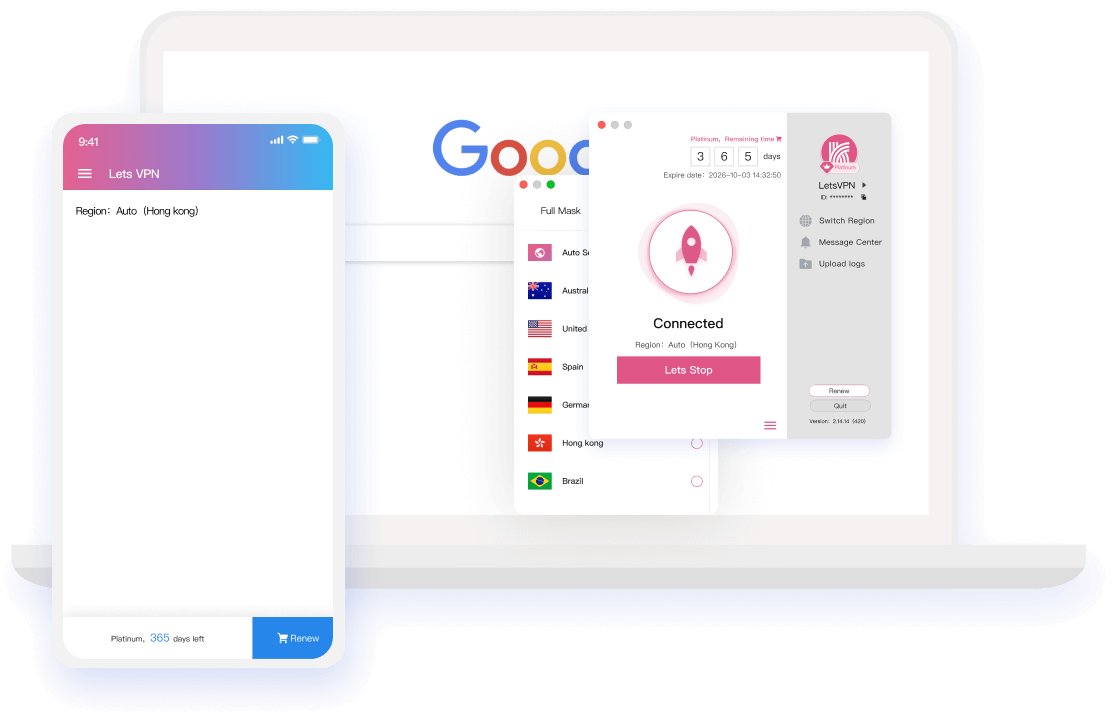
Every claim is verifiable: technology, certification, mechanics and after-sales — all in one list.
The AI core benchmarks routes in real time and locks onto the fastest global node automatically. Press the Quick Connect button and you are working within three seconds — zero manual setup.
Reach any resource worldwide without limits or logs; distant sites open as if they were local. Trace-wiping technology means you come and go unnoticed — reachable everywhere, truly.
LetsVPN is backed by an independent Google security review and AppEsteem international certification, ranking near the top of App Store utility charts for years — and stores no personal information at all.
Ultra-short membership cycles the industry rarely offers: buy by need, expire by design. Refund whenever unhappy — no fear of lock-in or vanishing vendors.
Work laptop, home phone, travel tablet — one account shares the membership across them all, with simultaneous sign-ins supported everywhere.
Around-the-clock service powered by 100+ live agents and network engineers — a genuine VIP guarantee that answers whenever you call.
Sign in once and use the world's major apps and sites on demand.












More sites and apps joining continuously
Every platform's client ships straight from the official source — scan or click to grab it.

Point your camera at the code to reach the official installer
Releases, operations and pitfall guides — published here, all of them.
Your app could run smoother if only you stopped dismissing updates. The version number spells out each release's improvements — read it in three seconds and decide with confidence.
Read more →
Refunds that ran past their promise, amounts that didn't line up with remaining time, the strain inside the team — the official website answers them in one full article.
Read more →
From midnight May 8 (Toronto time), LetsVPN resumes normal deductions and compensates affected purchases made between April 8 and May 8 automatically after the freeze ends.
Read more →
Against the "running away" rumors, the official website presents facts: refunds continue, freeze/self-refund/status tools are live, and a scam-spotting guide is included.
Read more →
LetsVPN is releasing time freeze, refund tracking and self-service refunds in stages, publishing billing resumption details and free-time compensation rules alongside.
Read more →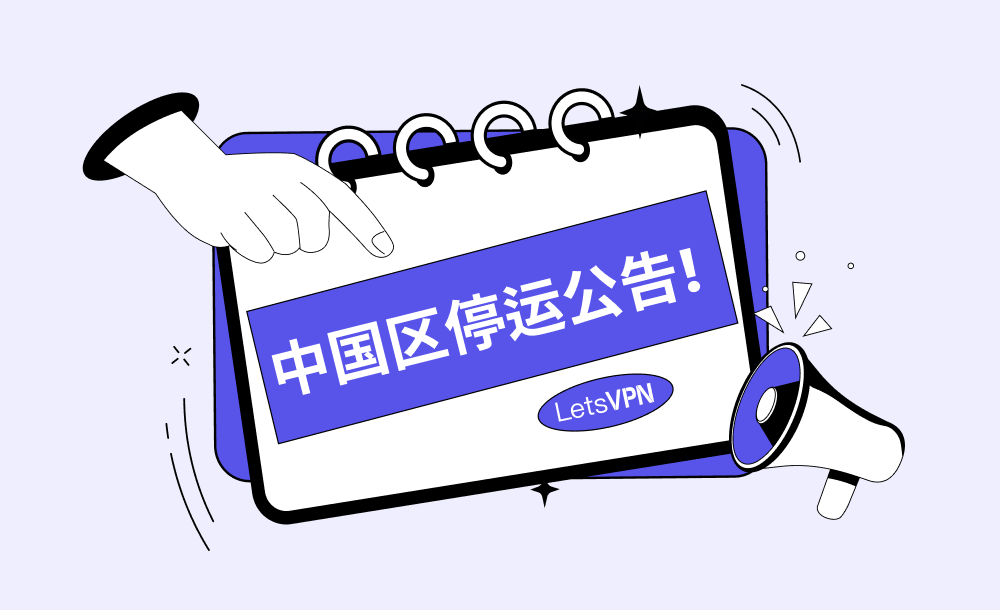
After a hard decision we are ending mainland China operations and cannot continue serving users there. Deep regret — and deep gratitude for your years of trust.
Read more →Region settings to version conflicts — match your symptom; live agents cover the rest.
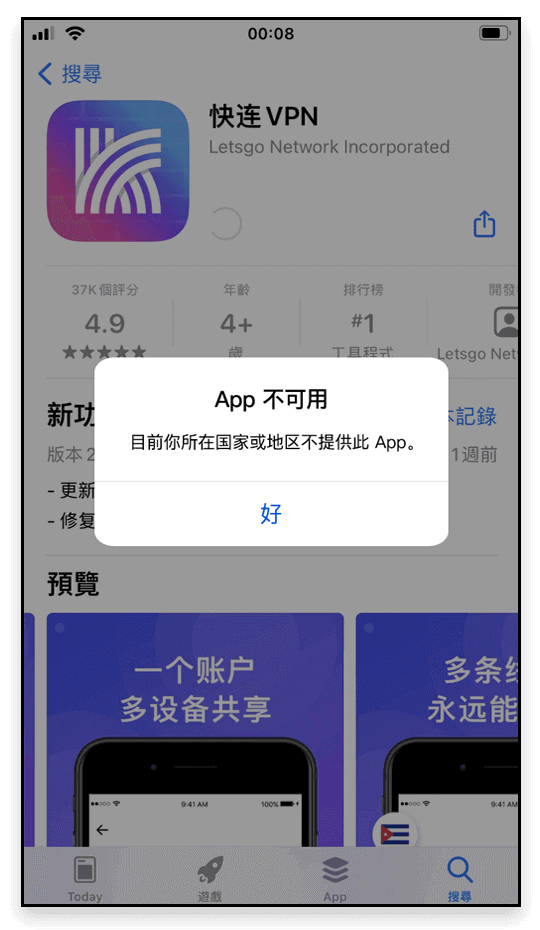
Check whether your Apple ID sits in <Mainland China>, or a region switch hasn't finished syncing;
Fix: switch back to a <Hong Kong Apple ID> and download again.
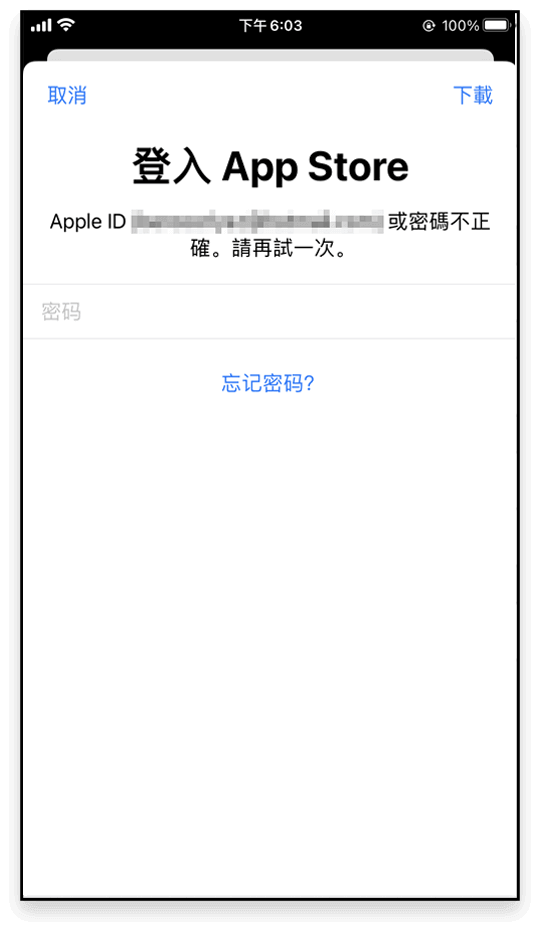
Caused by installing with <Apple ID A> then updating under <Apple ID B> — the system keeps demanding A's credentials;
Fix: delete the old build and reinstall with the current account.
A leftover <previous version> of LetsVPN conflicts with the store build;
Fix: uninstall the old one, install the latest.
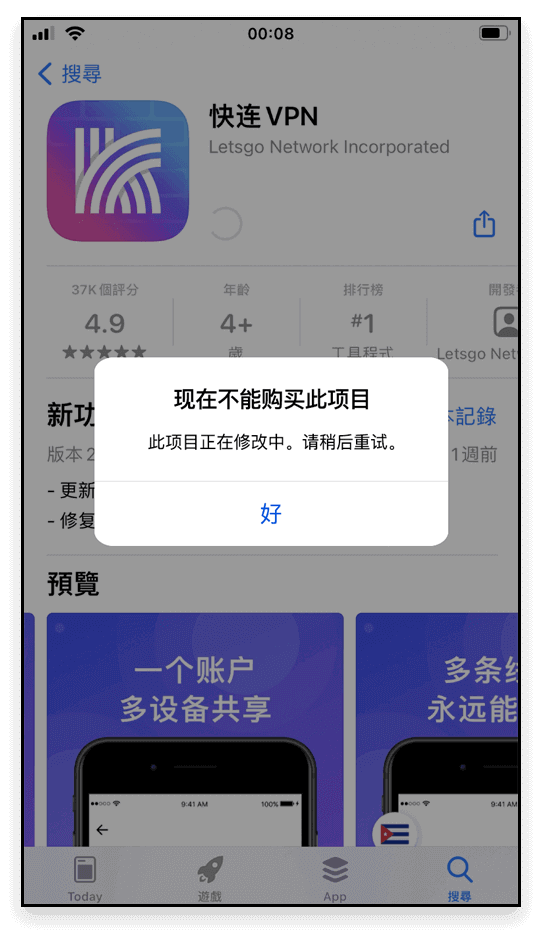
Again the <previous version> conflicting with the store;
Fix: remove the old build and re-download.
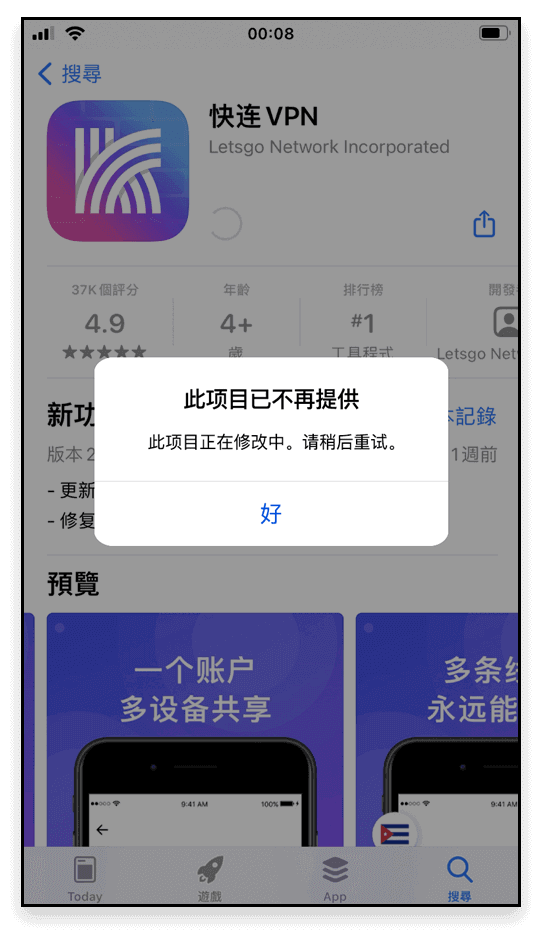
Old-version leftovers trigger the conflict — nothing is wrong with your account;
Fix: uninstall, then reinstall.
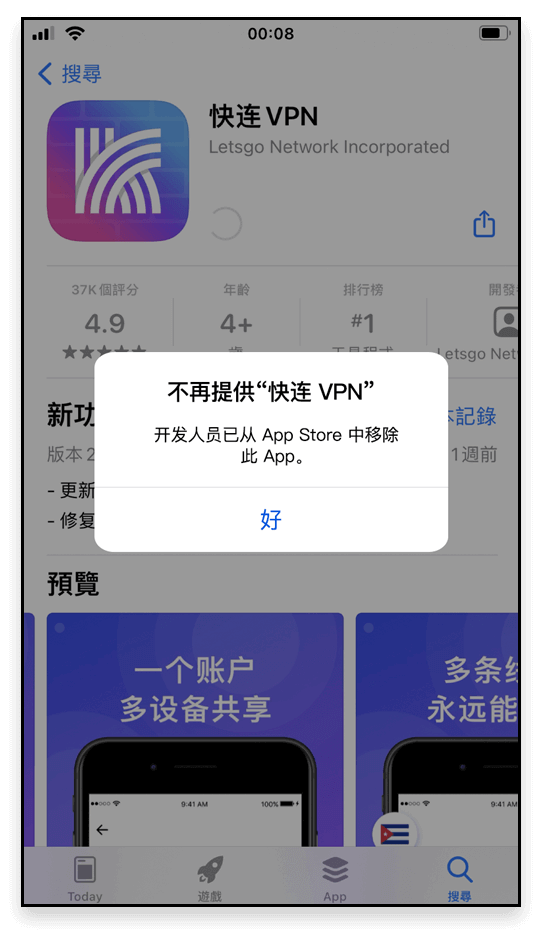
Any obstacle along the way — contact live chat support and the professional team will help you solve it completely.
No logging, no storing of personal activity — the policy text is the standard.
Privacy protection is our promise: Lets VPN neither collects nor logs traffic data, browsing activity, or email.
These Terms of Service (“the Terms”) govern your use of the LetsVPN and the associated website domains (the “Site”).
These Terms of Service (“the Terms”) govern your use of LetsVPN Services and should be read carefully.
Sign in to view your membership, devices and orders.
Registration is available in the app — please download it first.